
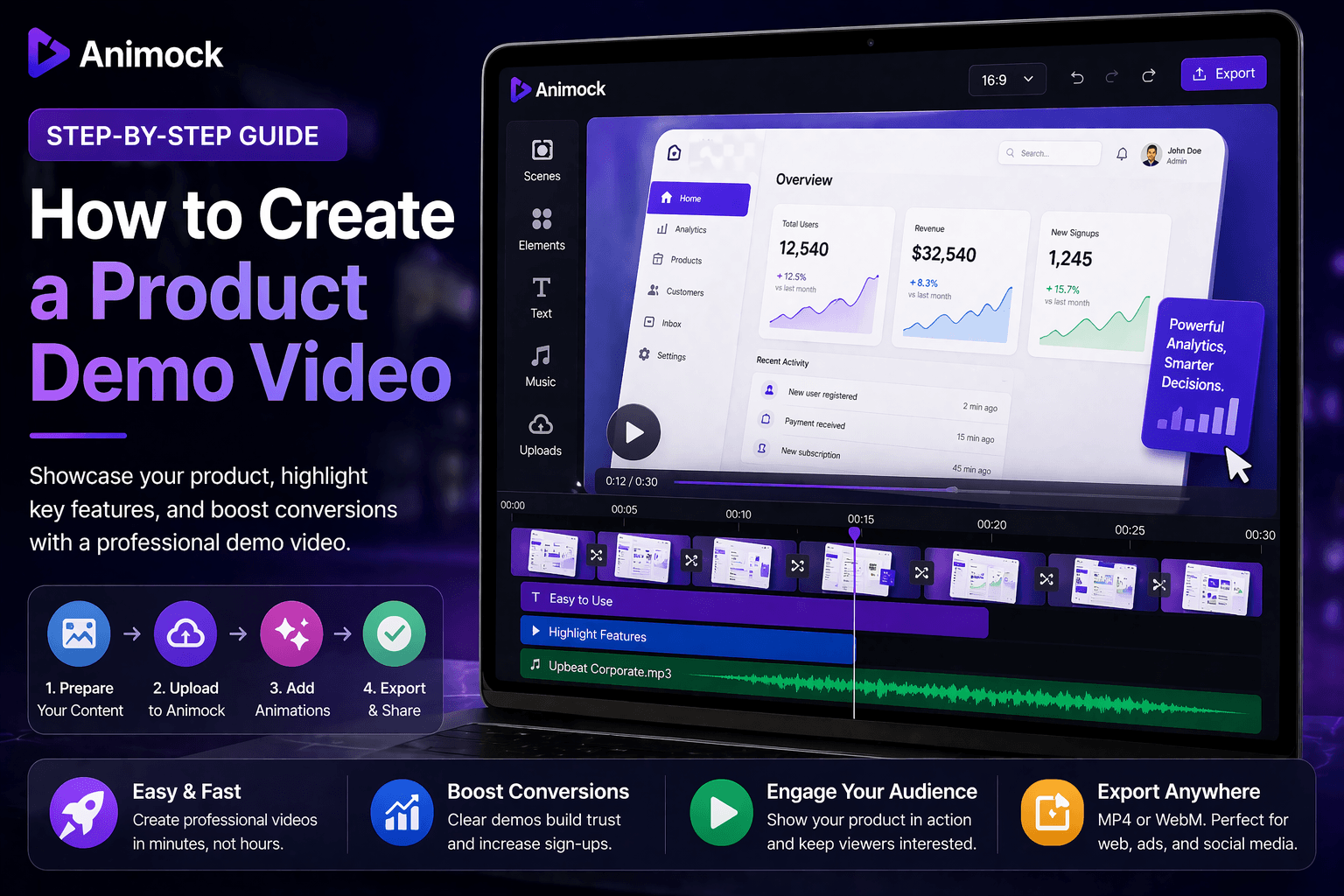
How to Create a Product Demo Video (Complete Guide)
Introduction
A product demo video is one of the most powerful tools to showcase your product. It helps users understand your value quickly and increases conversion rates.
In this guide, you will learn how to create a high-quality product demo video using Animock.
Why Product Demo Videos Matter
- Explain your product clearly
- Increase user trust
- Boost conversion rates
- Improve marketing performance
Step-by-Step: Create a Product Demo Video
Step 1: Define Your Message
Start by identifying your core value proposition.
- What problem does your product solve?
- What makes it unique?
Step 2: Prepare Visual Content
- App screenshots
- Product interface
- Key features
Focus on clarity and quality.
Step 3: Upload to Animock
Upload your visuals into the editor and arrange them logically.
Step 4: Add Animations
- Smooth transitions
- Zoom effects
- Highlight important areas
Keep animations simple and professional.
Step 5: Add Messaging
Use short text to explain key features.
- Clear and concise
- Focus on benefits
- Avoid clutter
Step 6: Adjust Timing
Keep your video between 15–45 seconds.
Ensure smooth flow and pacing.
Step 7: Export Video
- MP4 for general use
- WebM for advanced use cases
Best Practices
- Keep it short
- Highlight key features
- Maintain consistent style
- Use high-quality visuals
Common Mistakes
- Too much information
- Weak messaging
- Poor animation timing
- Low-quality visuals
Conclusion
Creating a product demo video is essential for modern marketing.
Start building your demo video today and increase conversions.