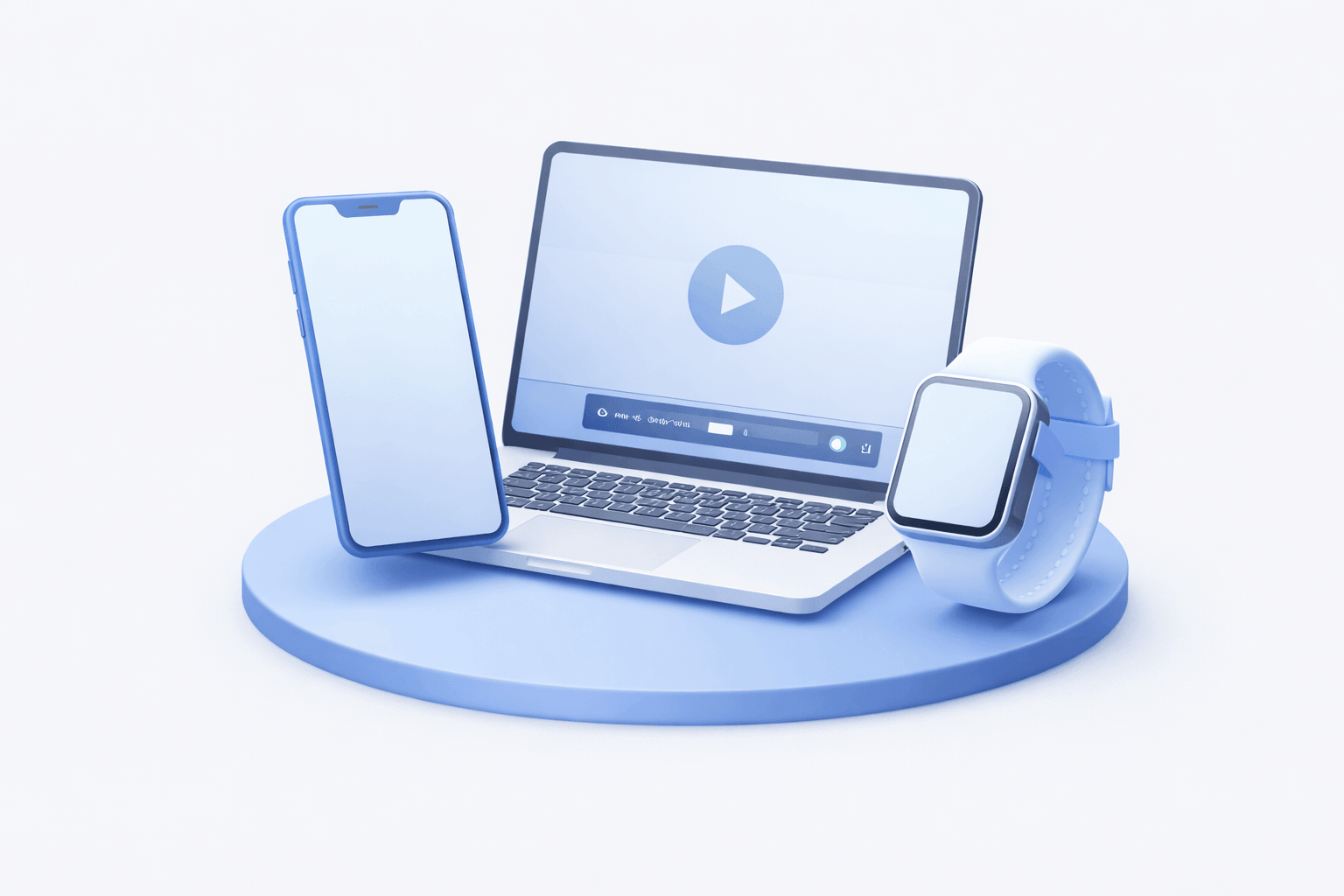
Multi-device 3D library
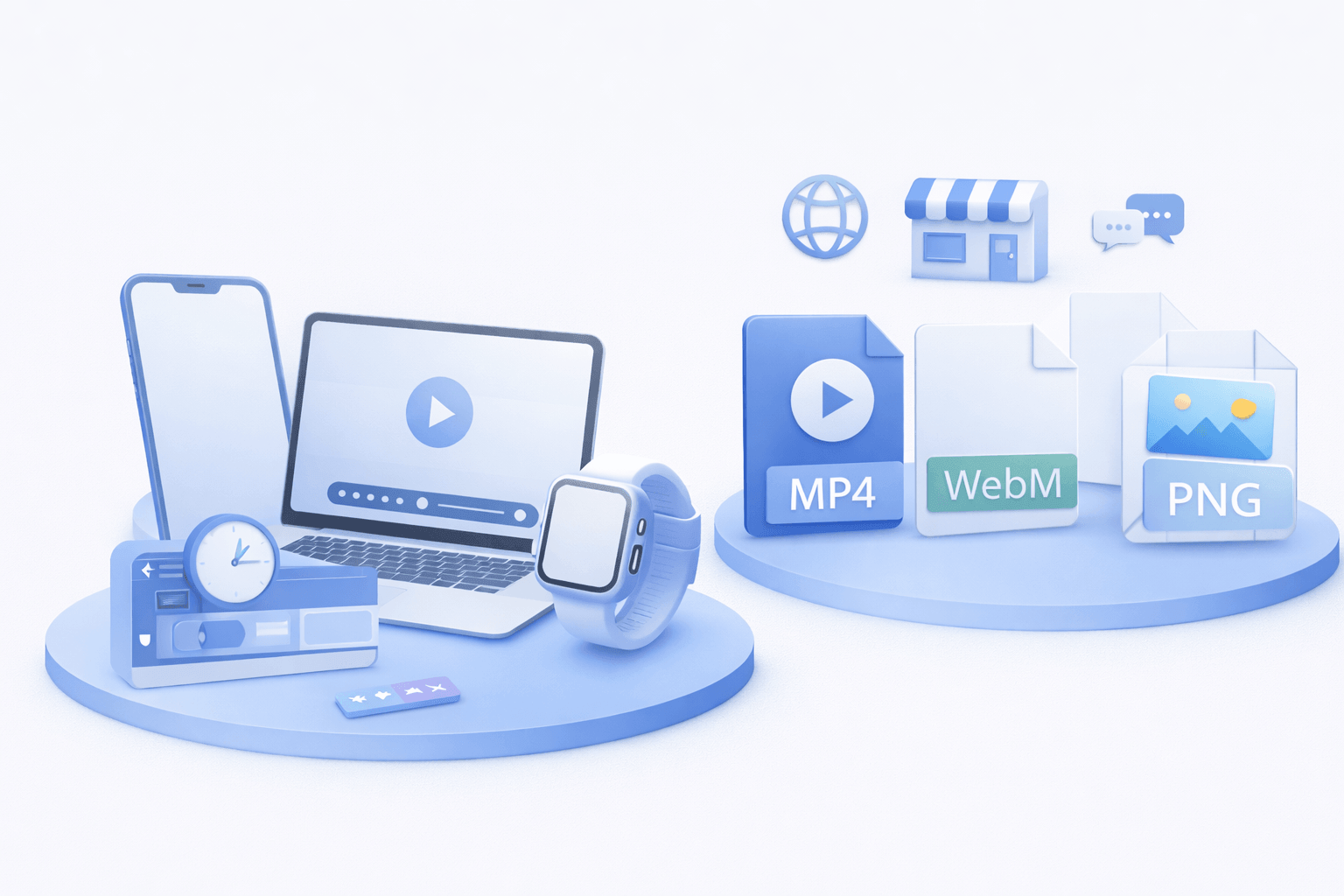
Use ready-made phone, tablet, laptop, and wearable models to build realistic scenes fast.
Compose phones, tablets, laptops, and wearables in 3D, animate with a timeline, and export production-ready videos in minutes.
Built for speed, visual quality, and reliable publishing workflows.
Use ready-made phone, tablet, laptop, and wearable models to build realistic scenes fast.
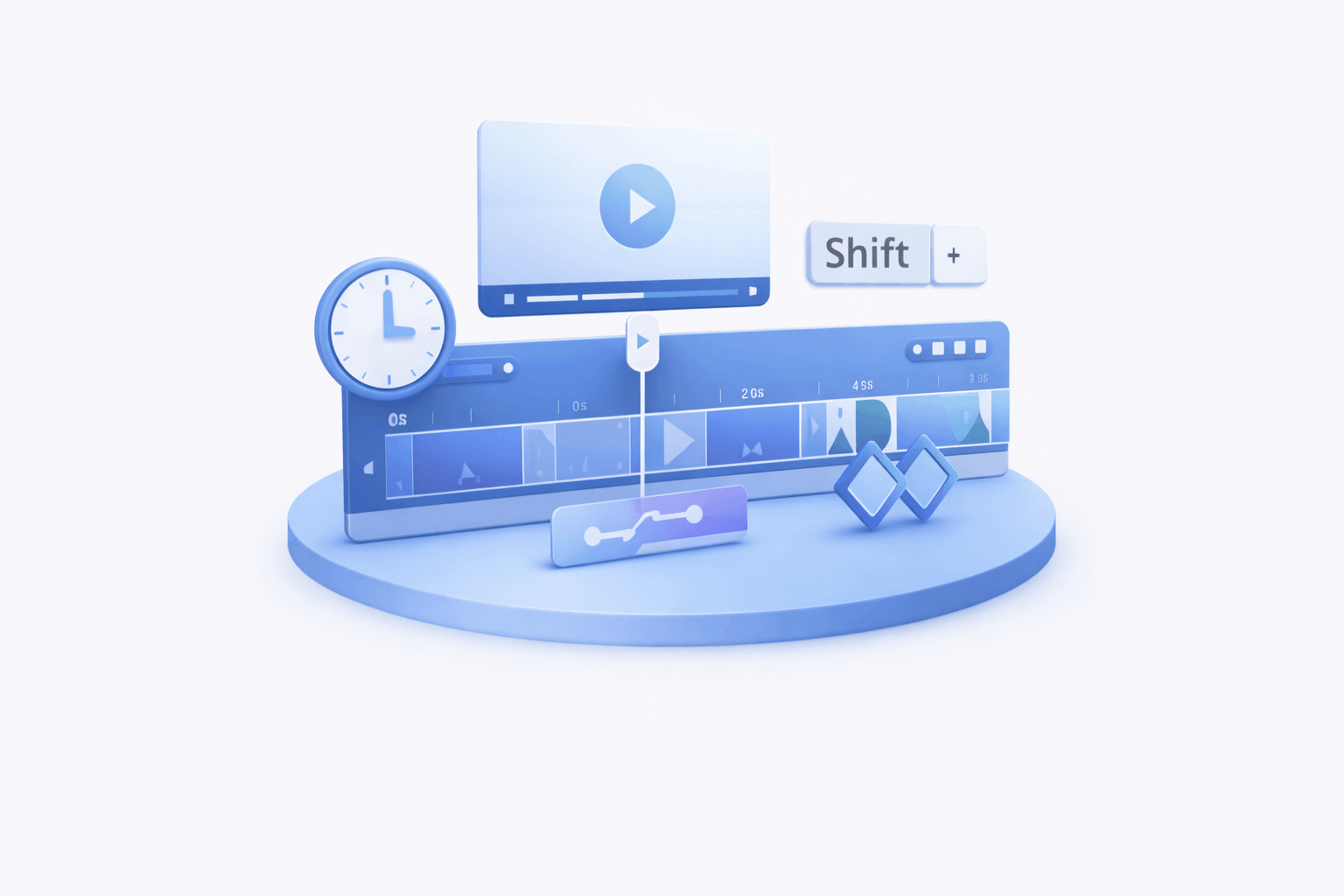
Control camera moves, transitions, and pacing with keyframe editing.
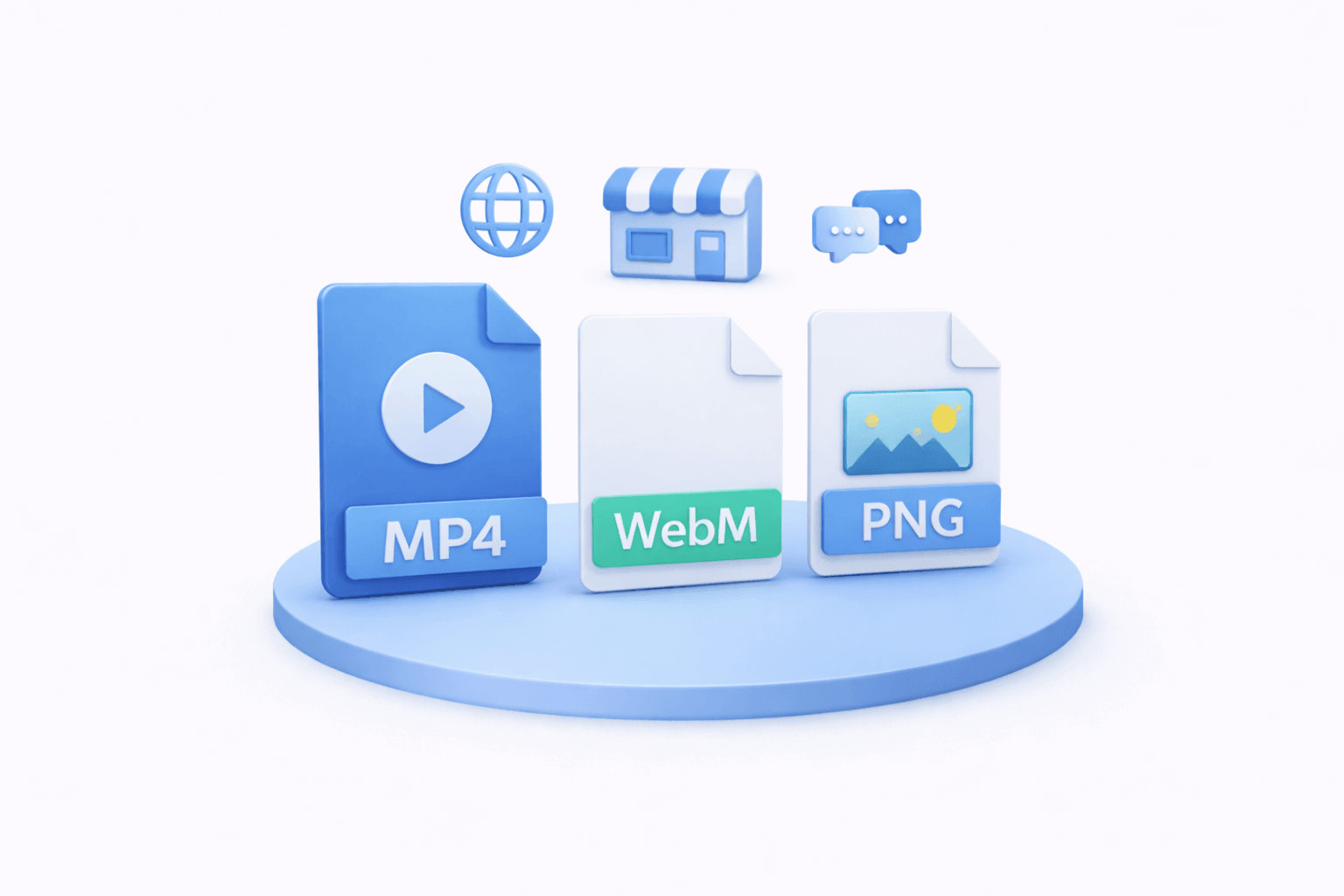
Export MP4, WebM, and MOV for websites, app stores, and paid media.
Create polished mockup videos directly in the browser
Free trialFrom template setup to final export, shorten your go-live cycle with one streamlined workflow.
Start with proven layouts and replace screens instantly.
Swap logos and colors across scenes in a consistent way.
Fine-tune speed, easing, and camera paths per shot.
Build reusable team templates with brand-safe layouts, camera presets, and motion rules.
Produce landscape, portrait, and square variants quickly.
Ship assets ready for launch pages and ad channels.
No heavy local rendering setup required.
Reuse one template to batch swap copy, screenshots, and color themes for multiple campaigns.
Reliable editing and export for deadline-driven campaigns.
Most common questions from homepage visitors
Feedback from product, design, and marketing teams using Animock

Product designer - Olivia
"We can turn flat UI frames into believable device scenes in one sitting—our first cut is usually ready within an hour."

Indie developer - Lucas
"Timeline motion feels natural. I iterate camera paths and pacing without installing a heavy DCC."

Marketing lead - Sophia
"Multi-ratio exports match our ad specs, so we spend less time reformatting in post."

Growth manager - James
"Batch swaps across templates help us spin up campaign variants fast when deadlines are tight."

Brand manager - Emma
"Replacing logos and colors consistently across scenes keeps our launches visually aligned."

Content creator - Noah
"The 3D device library means I rarely hunt for stock mockups anymore."