What is Animock and How to Use It (Beginner Guide 2026)
What is Animock?
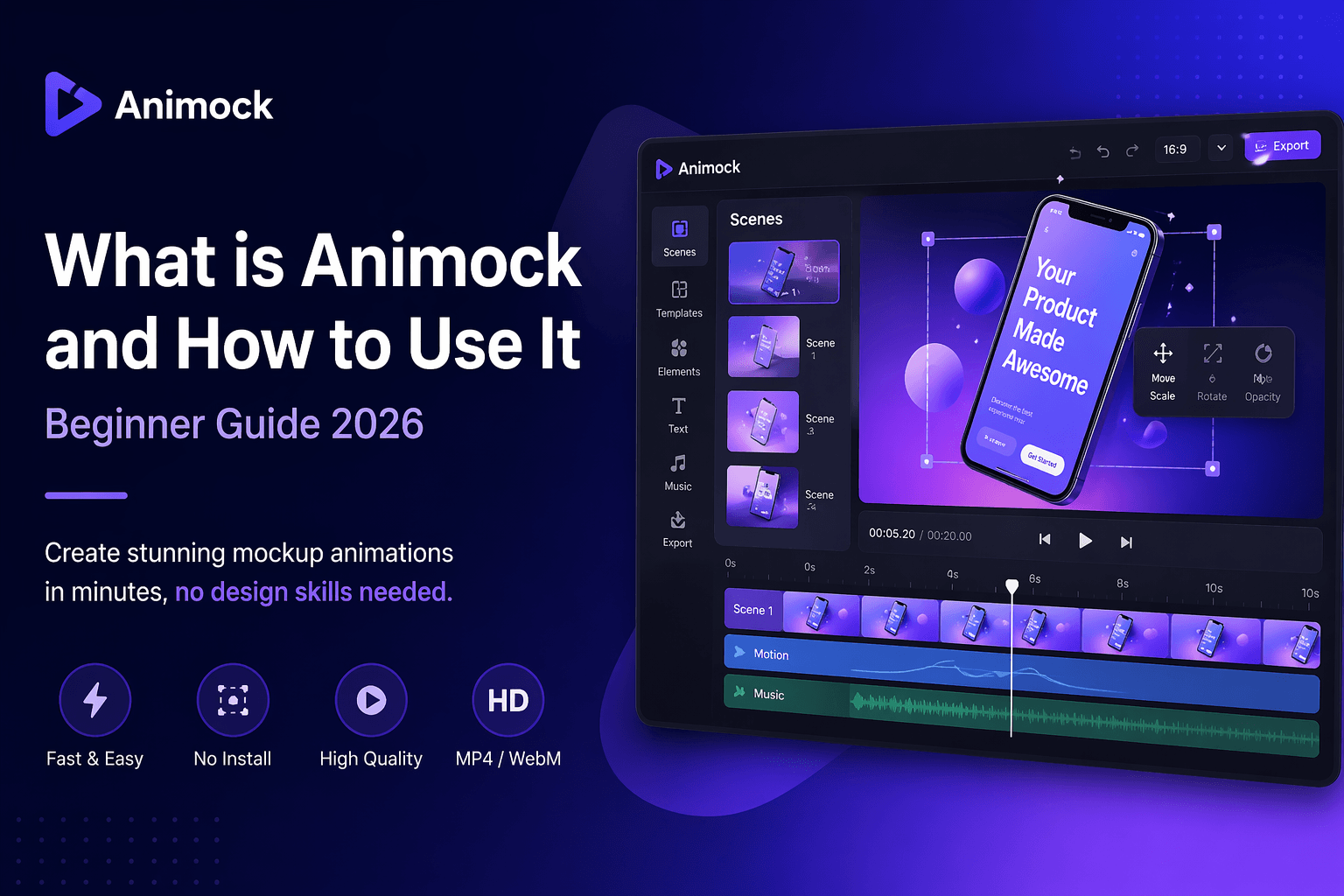
Animock is an online mockup animation tool that allows you to create high-quality product videos, app demos, and marketing visuals in minutes. Unlike traditional tools like After Effects, Animock is designed to be simple, fast, and accessible to everyone — even if you have no design or animation experience.
With Animock, you can transform static designs into dynamic videos, making your products more engaging and professional.
Why Use Animock?
Creating product videos traditionally requires complex software, long learning curves, and significant time investment. Animock solves these problems by providing a streamlined workflow:
- No design skills required
- No software installation needed
- Fast rendering and export
- Supports MP4 and WebM formats
- Perfect for marketing, SaaS, and app demos
This makes Animock ideal for startups, designers, marketers, and developers who need quick and high-quality visuals.
How to Use Animock (Step-by-Step)
Step 1: Upload Your Design
Start by uploading your UI design, product screenshot, or image. Animock supports common formats like PNG and JPG.
Step 2: Apply Animation
Choose from predefined animation presets. You can control timing, transitions, and effects to match your desired style.
Step 3: Preview Your Video
Instantly preview your animation in real time. Adjust elements until you achieve the perfect result.
Step 4: Export Your Video
Export your video in high quality. You can choose:
- MP4 (for general use)
- WebM (supports transparent background)
Best Use Cases for Animock
- App Store preview videos
- SaaS landing page demos
- Social media marketing videos
- Product showcase animations
- Startup pitch presentations
Animock vs Traditional Tools
Compared to tools like After Effects:
- Animock is much easier to use
- No installation required
- Faster production time
- Designed specifically for mockups
While traditional tools offer more flexibility, Animock focuses on speed and simplicity.
Conclusion
If you want to create professional mockup animations without complexity, Animock is one of the best tools available in 2026.
Start creating your first animation now and bring your product to life.